This post will hopefully shed light on a question I get asked about once per week during the winter months as an auto sales consultant: "What's the difference between All Wheel Drive (AWD) and 4 Wheel Drive (4WD) anyway?"
I'm going to borrow from a post over at consumerguideauto.com here and agree there are really THREE options: Part time 4WD, Full time 4WD, and All Wheel Drive.
Part Time 4WD
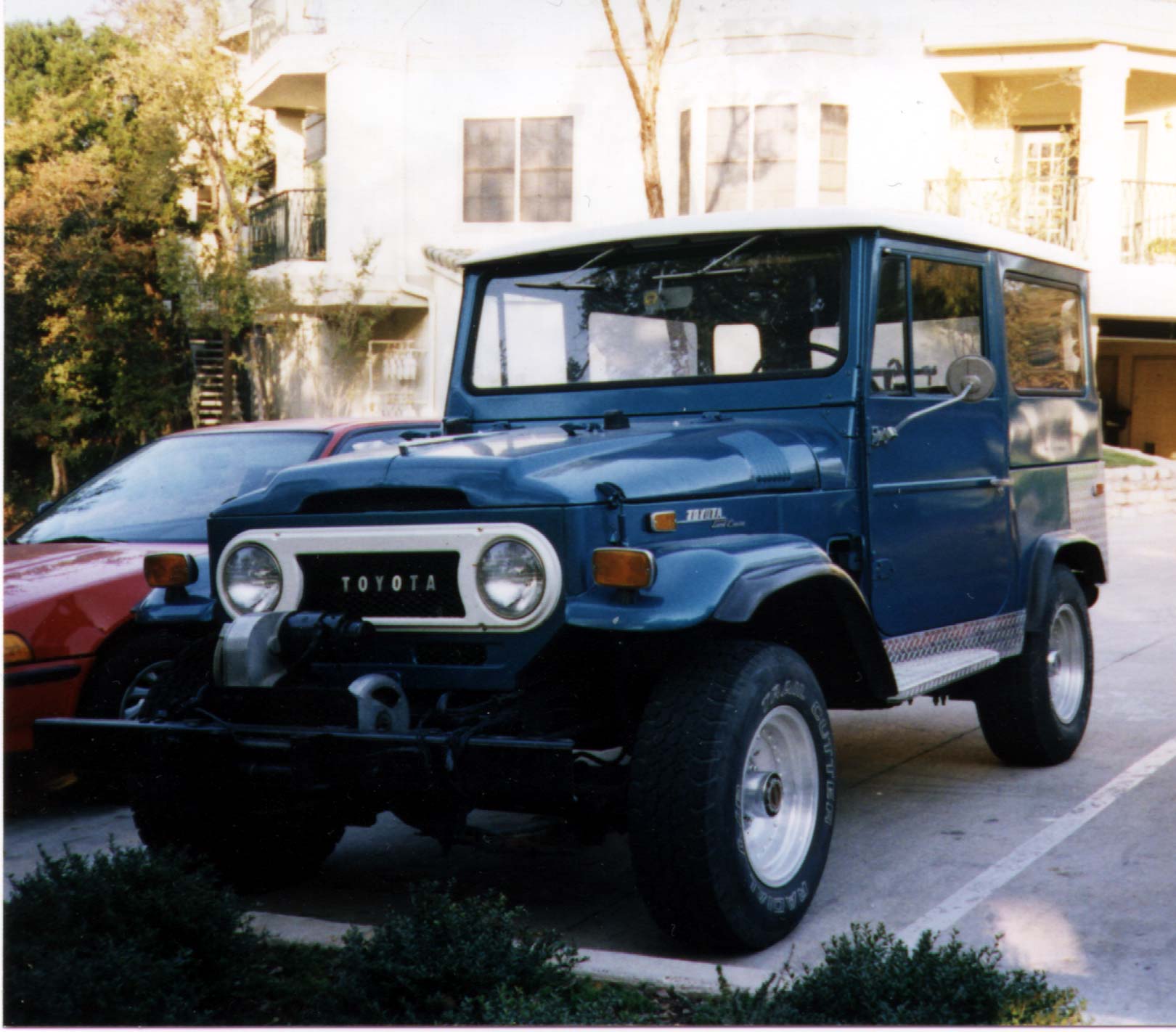
This is the most basic 4WD system and is what you will think of when you think of older pickups, Jeeps, and SUVs. There's either a lever on the floor of the vehicle or a push button on the dash allowing drivers to select either "2WD" or "4WD High" or "4WD Low." Everyday driving on dry roads calls for 2WD while driving through snow, mud or rain would call for 4WD High. 4WD Low is reserved for extreme conditions where you first need to stop to engage the system.

Full Time 4WD
Most of the more recent pickups and truck-based SUVs have a version of the Full Time 4WD system. You options are the same as part time but many systems also have the ability to switch into an "Auto" mode that lets your transfer case decide when to lock you into 4WD or leave you in 2WD.

All Wheel Drive
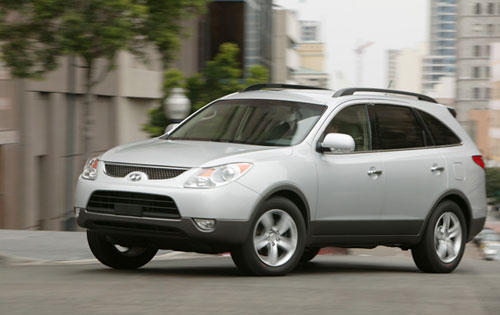
You see All Wheel Drive cropping up all over the Crossover, Car, and even minivan segments. There is typically no selector to tell an AWD system to go to 2WD or to 4WD - the computer senses when you need it and adjusts accordingly. There are some vehicles like the Hyundai Santa Fe and Veracruz that will allow you to lock into AWD. This is a helpful feature if you are towing a boat or know you will need all 4 wheels for another task.
Tradeoffs
Generally a 4WD or AWD system is more expensive than a 2WD option. Since 4WD and AWD add weight to your vehicle it's also usually less fuel efficient but not drastically so. The advantage, of course, is that with 4WD or AWD you can get through the snow, rain, or muck better than with a 2WD system.
As for the new fleet of Crossover Vehicles (think Hyundai Tucson, Santa Fe, and Veracruz or Chevy Equinox or Traverse) 2WD means FRONT wheel drive which is far better than the rear wheel drive options in SUVs of yesteryear.
I'm going to borrow from a post over at consumerguideauto.com here and agree there are really THREE options: Part time 4WD, Full time 4WD, and All Wheel Drive.
Part Time 4WD
This is the most basic 4WD system and is what you will think of when you think of older pickups, Jeeps, and SUVs. There's either a lever on the floor of the vehicle or a push button on the dash allowing drivers to select either "2WD" or "4WD High" or "4WD Low." Everyday driving on dry roads calls for 2WD while driving through snow, mud or rain would call for 4WD High. 4WD Low is reserved for extreme conditions where you first need to stop to engage the system.
Full Time 4WD
Most of the more recent pickups and truck-based SUVs have a version of the Full Time 4WD system. You options are the same as part time but many systems also have the ability to switch into an "Auto" mode that lets your transfer case decide when to lock you into 4WD or leave you in 2WD.
All Wheel Drive
You see All Wheel Drive cropping up all over the Crossover, Car, and even minivan segments. There is typically no selector to tell an AWD system to go to 2WD or to 4WD - the computer senses when you need it and adjusts accordingly. There are some vehicles like the Hyundai Santa Fe and Veracruz that will allow you to lock into AWD. This is a helpful feature if you are towing a boat or know you will need all 4 wheels for another task.
Tradeoffs
Generally a 4WD or AWD system is more expensive than a 2WD option. Since 4WD and AWD add weight to your vehicle it's also usually less fuel efficient but not drastically so. The advantage, of course, is that with 4WD or AWD you can get through the snow, rain, or muck better than with a 2WD system.
As for the new fleet of Crossover Vehicles (think Hyundai Tucson, Santa Fe, and Veracruz or Chevy Equinox or Traverse) 2WD means FRONT wheel drive which is far better than the rear wheel drive options in SUVs of yesteryear.